 MRPverse
Import from Katana or Stocky
Items, bills of materials, stock and open orders moved in about ten minutes, with a validated preview before anything is saved.
Two-minute video
A narrated walkthrough of this exact guide. Recording in progress; the script is final and matches the steps below.
Step 1
Open Import
Go to Import in the sidebar. Pick a source: Katana (API key), Katana (Excel export) or Stocky (CSV). Spreadsheet templates are also here for anything else.
Click path:
Import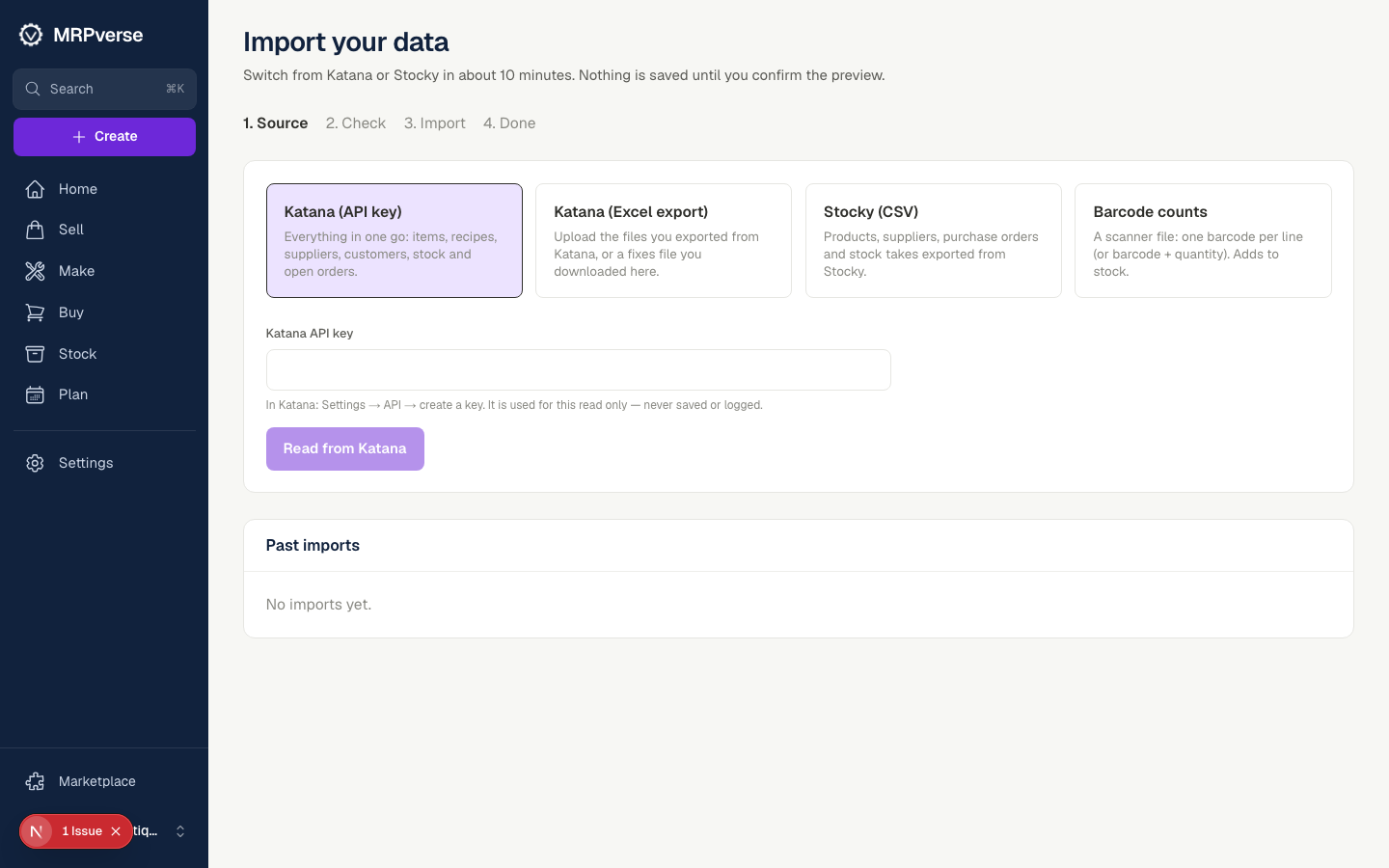
Step 2
Katana: paste an API key
In Katana open Settings → API and create a key. Paste it here. MRPverse reads items, variants, BOMs, stock, suppliers and open orders in one pass; the key is used for this read only.
Click path:
Import → Katana (API key)Step 3
Stocky: upload the CSV exports
Export products, stock and purchase orders from Stocky and drop the files here. Columns are mapped automatically; you can correct any mapping before the preview.
Click path:
Import → Stocky (CSV)Step 4
Review the preview
Every row is validated: duplicates, missing units, negative stock and unknown suppliers are flagged with a reason. Download the fixes file, correct it, and upload again if needed.
Click path:
Import → Preview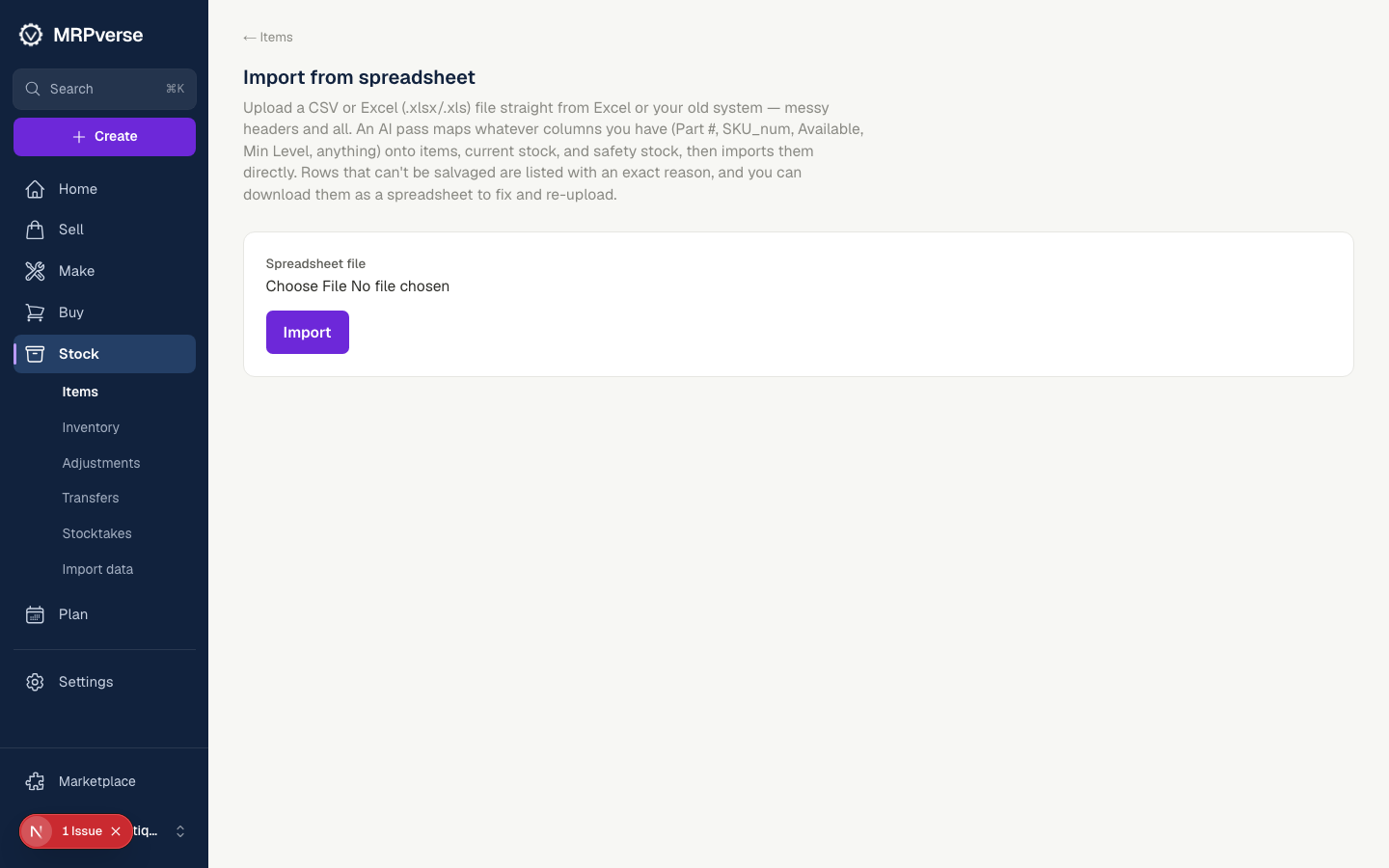
Step 5
Confirm
Click Confirm import. Items land in Items, recipes under each product's BOM, and stock as an opening balance per warehouse with a lot number.
Click path:
Import → Preview → Confirm import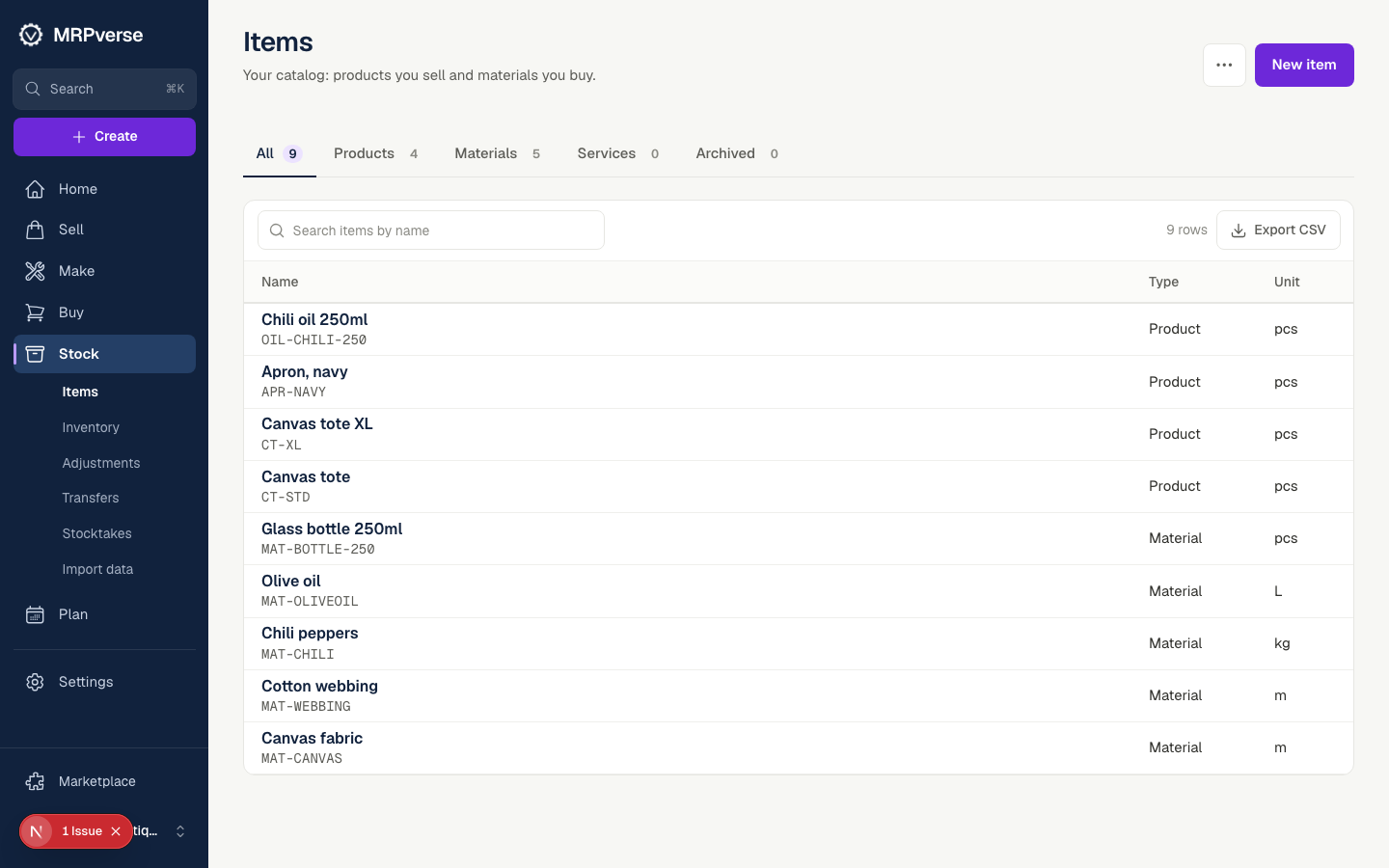
Step 6
Verify on Stock
Open Stock and compare totals with your old system. The Katana ID or Stocky ID is kept on every item so you can trace anything back.
Click path:
Stock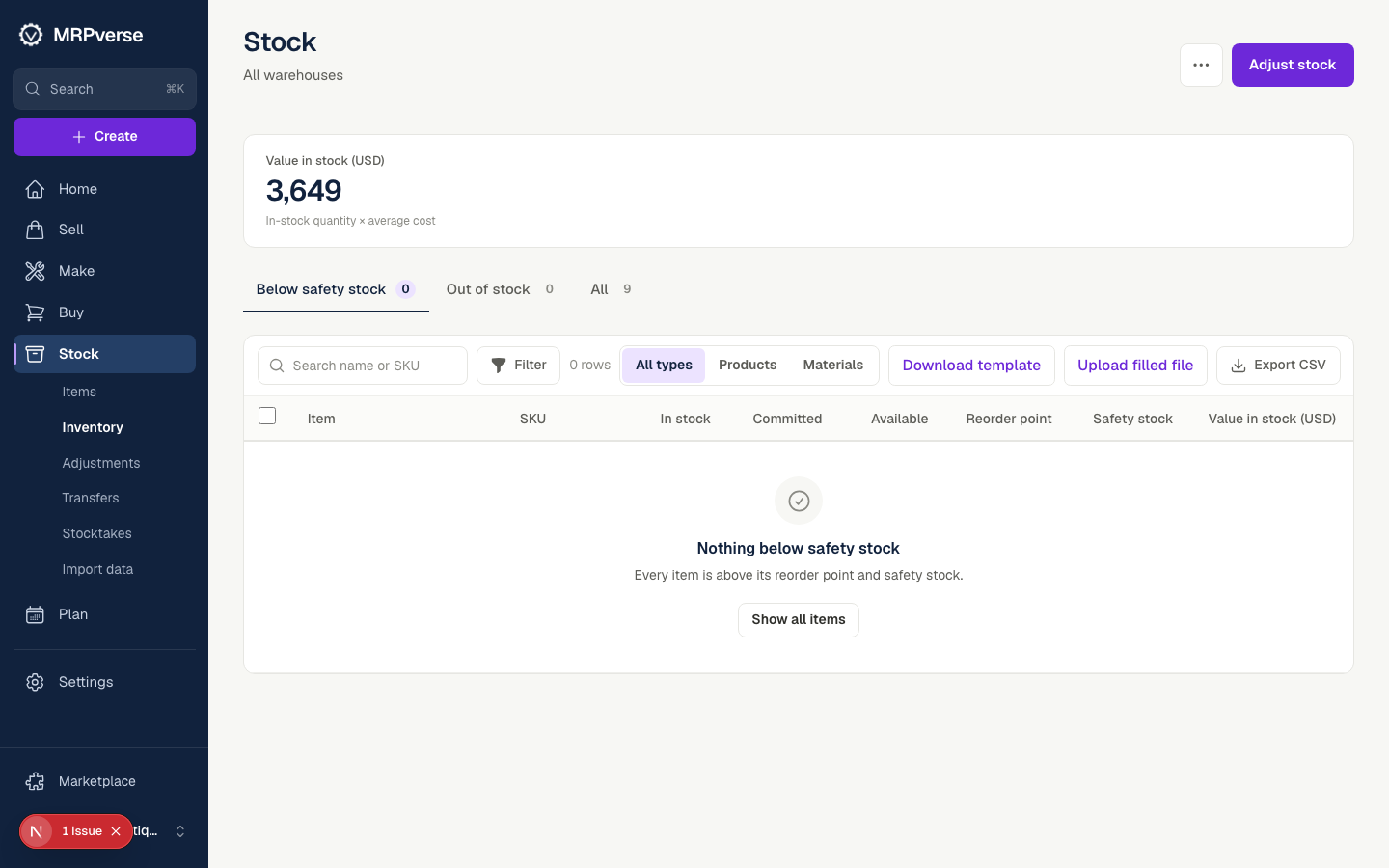
Tip